The website uses cookies to enable it to perform properly, remember your browsing history and to arrange content to match your preferred interests more quickly. Details of the cookies Ford use and instructions on how to disable them can be found in the Ford Cookie Guide Ford Cookie Guide. By clicking Accept button, you agree to our use of cookies.
How to download software updates to a computer | SYNC™ 3 | Ford TH
SYNC™ 3 SUPPORT
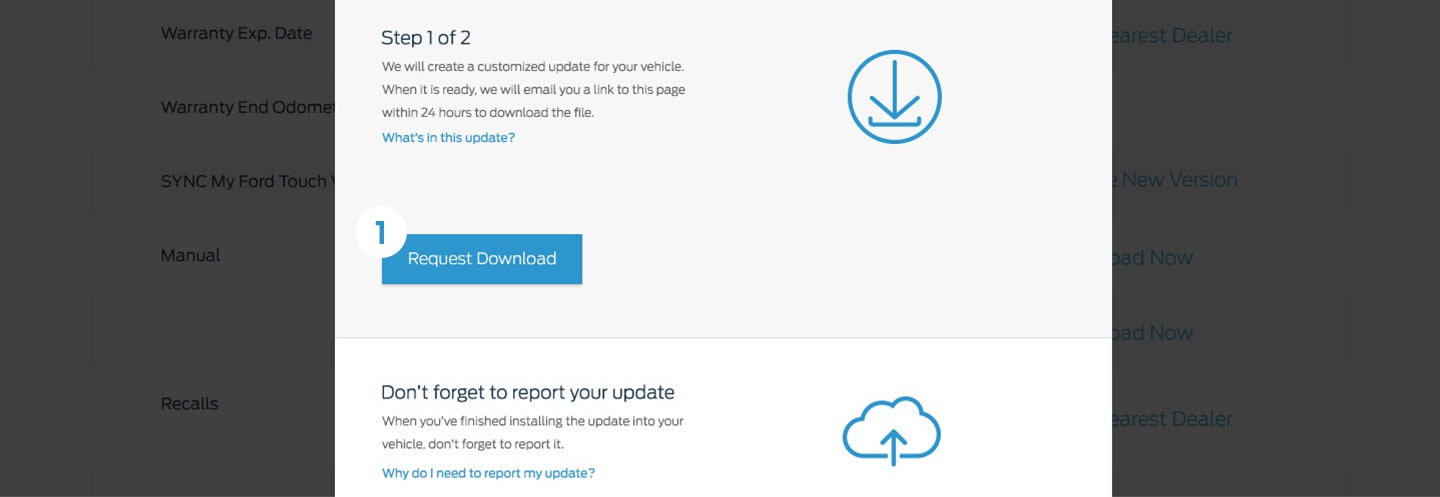
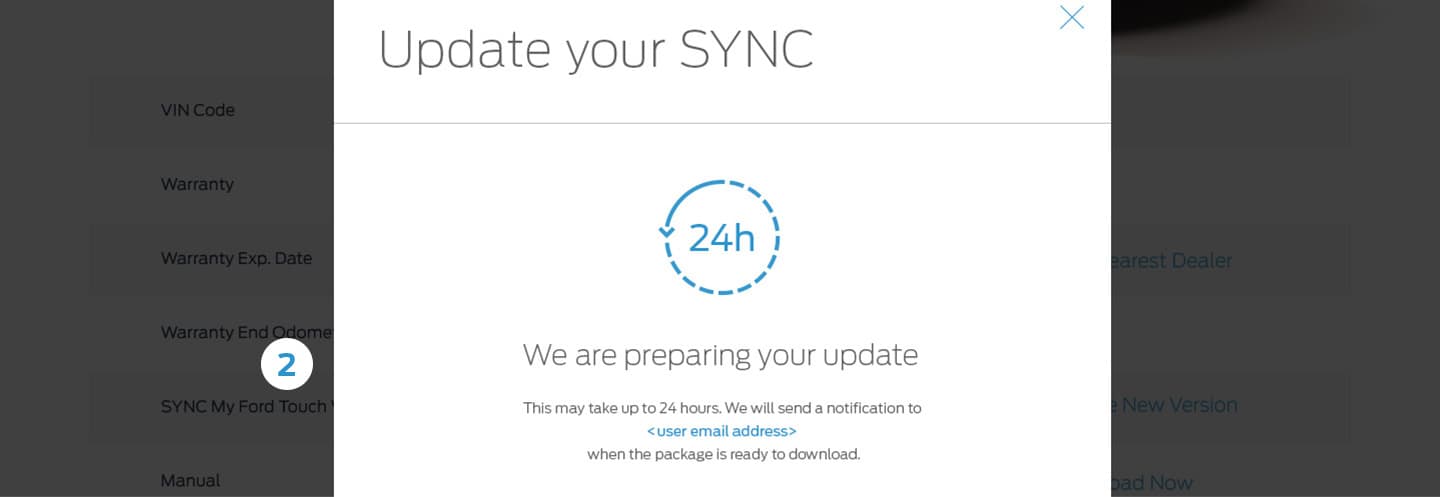
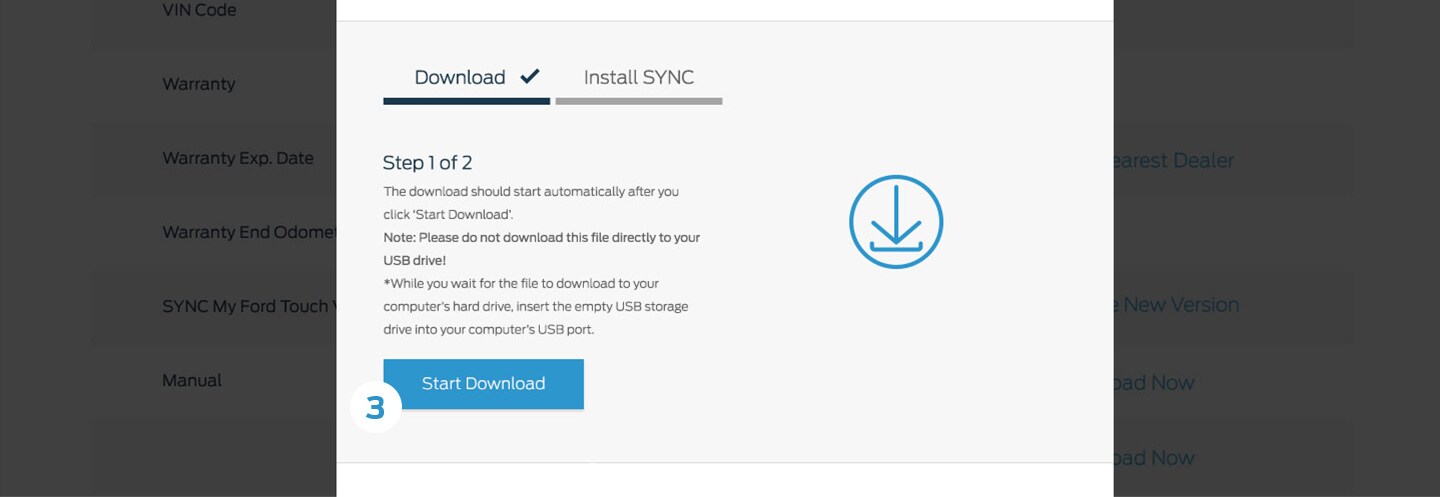
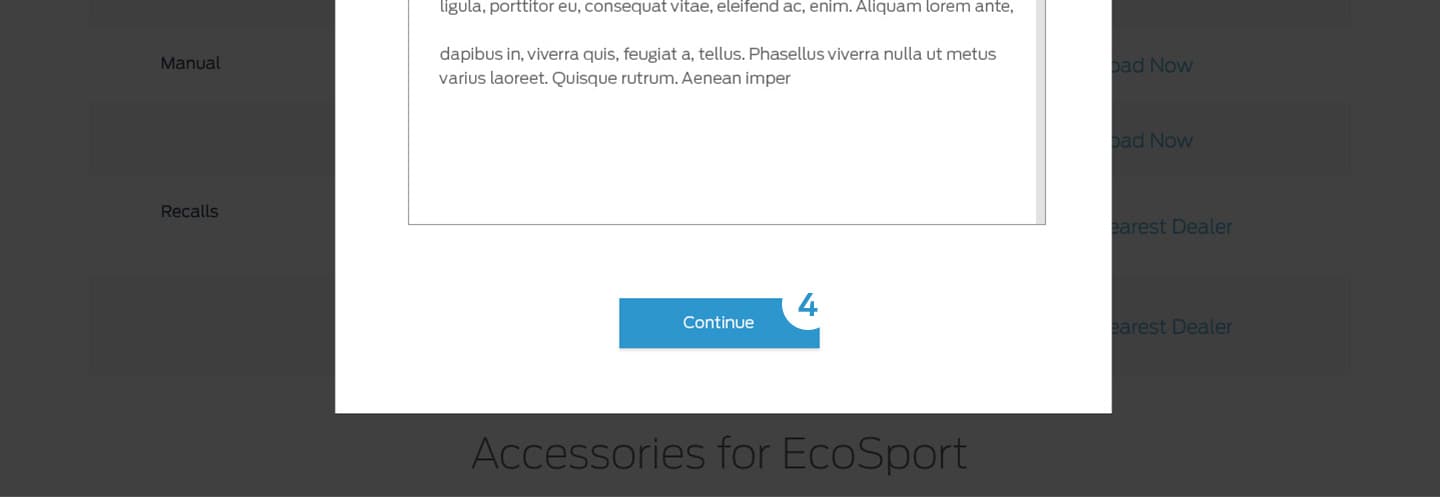
How to download software updates to a computer
To get the most from your SYNC™ system, always ensure you are using the latest version. You can download the latest software updates at no charge from the Owner site.
Please note:
· Ensure your Owner account has been set up, you are logged in and your vehicle has been registered on the Owners site.
· You need a USB drive that holds 2 GB or more and is not password protected. The USB must be FAT format. NTFS format do not work.
· You are logged in to the Owner site.

More SYNCTM 3 Support


hidden