Next Steps After Reservation

Reserved
Once your reservation has been done, we’ll send you an email confirming your order has been placed. You can then track the progress of your reservation through your Ford Account. We’ll also send you an email whenever there are any updates.

Dealer will contact you to confirm a reservation
After reservation your dealer will call you to confirm a reservation and explain for next step

Sign Contract at Dealership /
Confirm Order
Your dealer will inform you when you should sign the contract

Organize Payment
Your balance can be taken by your preferred dealer through your preferred payment method or available payment method at dealer

Pick Up Your Ford
Your delivery time will depend on when you order and what lead time you select when you place your order. An estimated delivery date will be provided to you when you sign the contract with the dealer
Cancel
FAQs
What is the next step after online reservation completed?
Your Ford Dealer will then contact you to guide you through the order confirming process and support for financing approval process.
When will I take delivery of my vehicle?
Actual vehicle delivery is determined by many factors, including the order which the vehicle was booked from www.ford.co.th , loan approval as well as the cars and colors that are ready for delivery. However, the delivery time may vary slightly according to the distance of the province where the delivery is made.
What is the different reservation status and what is the meaning of each?
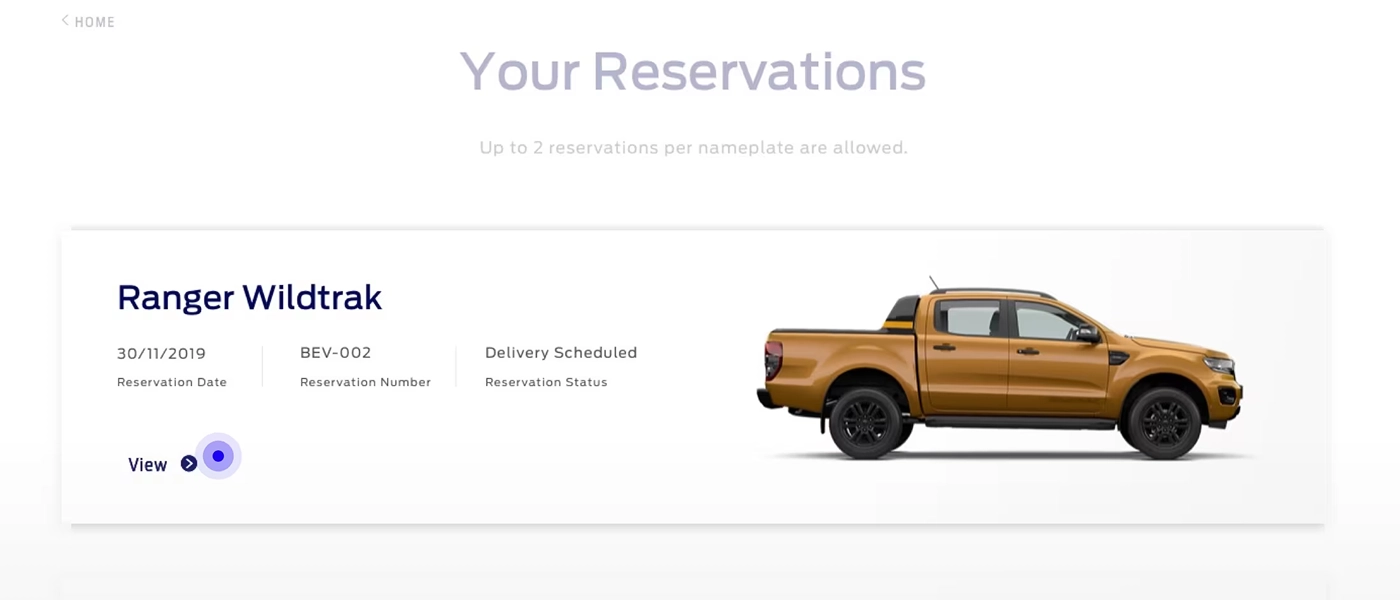
1. Reserved - When you successfully reserve your vehicle online. You can cancel online with a full refund.
2. Delivery Scheduled - After you finalize the deal and sign a contract to confirm an order with your Ford Dealership, your Ford Dealer will change the status to Delivery Scheduled. At this point, you will no longer be able to cancel online. But you will be able to request your Ford Dealer to cancel for you if required.
Can I make changes to my online reservation?
Reservation once done online cannot be edited through the website. However, you may request your Ford Dealer to provide support to change the specification of your reservation offline.
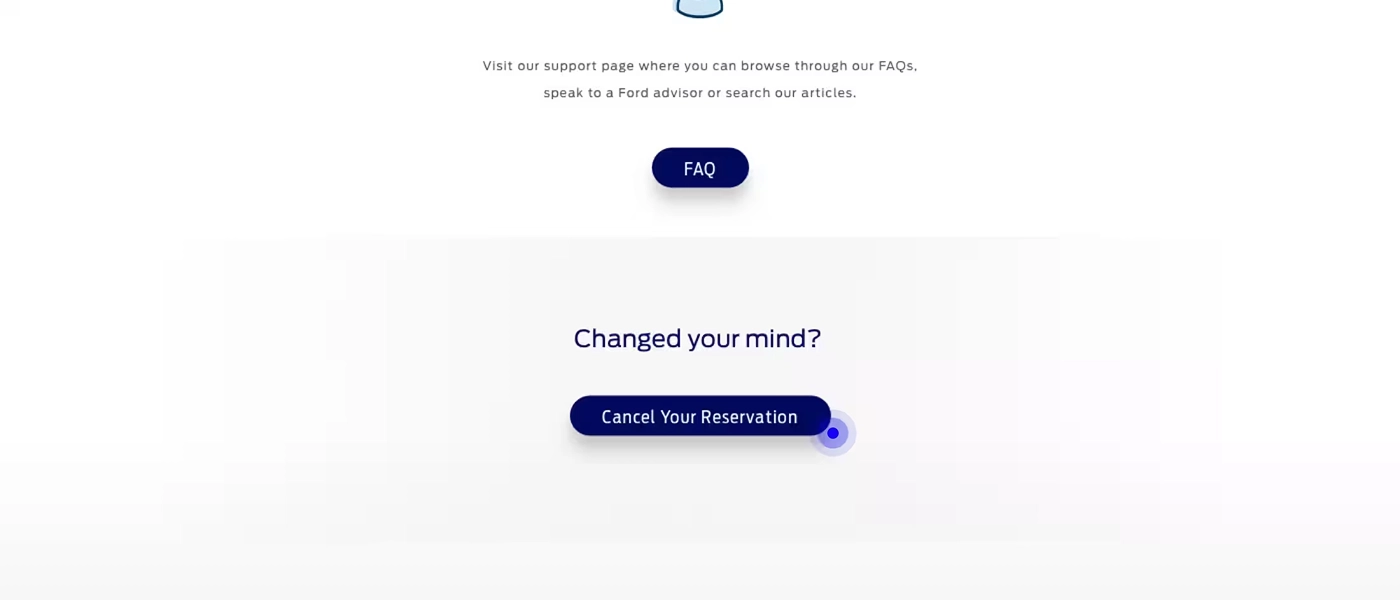
Can I cancel my reservation?
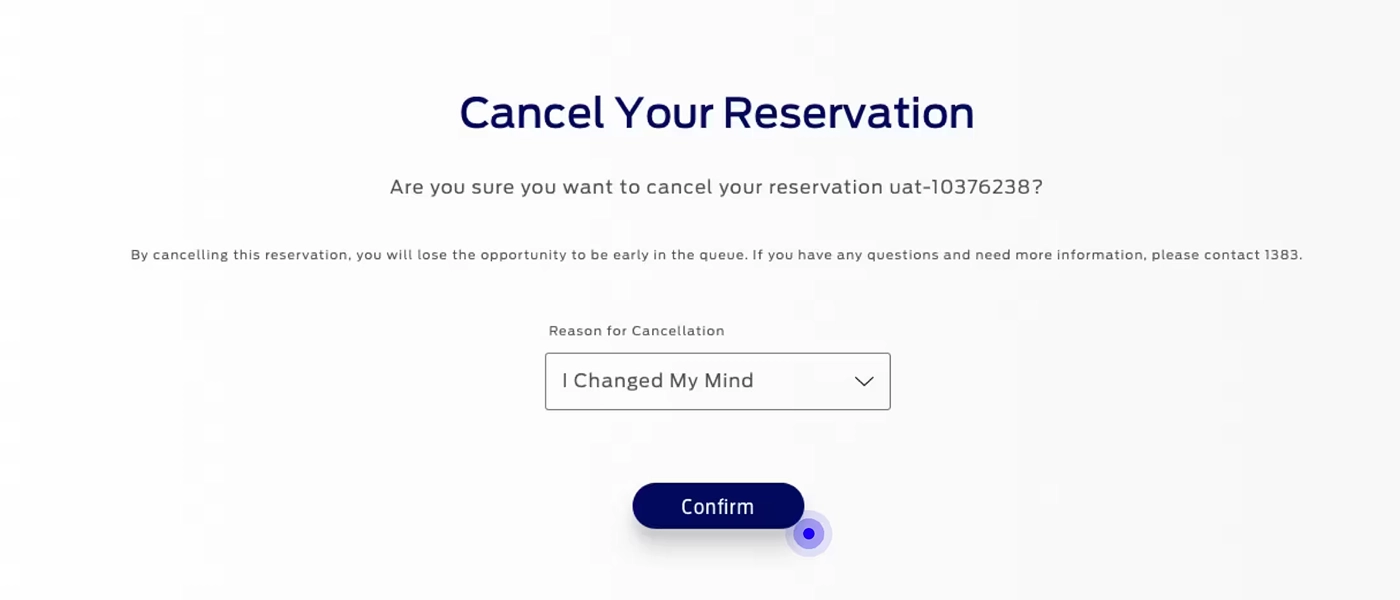
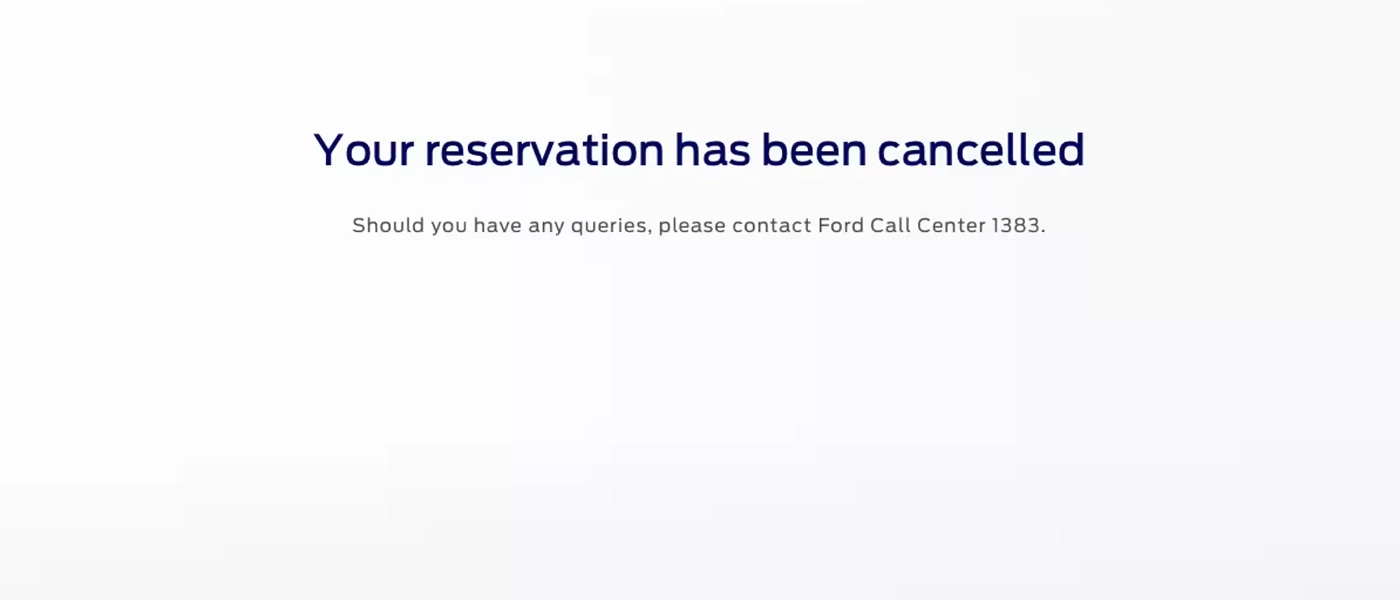
Yes. When you make cancellation prior to a reservation becoming a confirmed order and schedule delivery , you will receive a full refund. You can do this from your Ford Member Account at https://www.ford.co.th/en/myaccount/.
Upon cancelling Deposit to be refunded to your original form of payment.
1. Credit and Debit card allow 3-4 weeks for the reservation deposit to be credited.
2. In case your reservation is made using PromptPay, please check your email to complete the refund process.
If for some reason, you cannot process the cancellation online you can contact a Ford Customer Experience Representative at Ford Call Center 1383
How to complete the refund process in case your reservation is made using PromptPay?
After you have cancelled online reservation, please check your email to complete the refund process
1. Click complete refund
2. Fill Name on account
3. Fill Bank Code
4. Fill Branch Code
5. Fill Account number
6. Continue
Refunds will be proceeded to your bank account within 10 business days.
How to find bank code?
| รหัสธนาคาร | English Name |
| 002 |
BANGKOK BANK Public Company Limited
|
| 004 |
Kasikornbank Public Company Limited
|
| 006 |
Krungthai Bank Public Company Limited
|
| 011 |
TMBThanachart Bank Public Company Limited
|
| 014 |
The Siam Commercial Bank Public Company Limited
|
| 022 |
CIMB Thai Bank Public Company Limited
|
| 024 |
United Overseas Bank Limited
|
| 025 |
Bank of Ayudhya Public Company Limited
|
| 030 |
Government Savings Bank
|
| 033 |
Government Housing Bank
|
| 034 |
Bank for Agriculture and Agricultural Cooperatives
|
| 035 |
Export-Import Bank of Thailand
|
| 067 |
TISCO Bank Public Company Limited
|
| 069 |
Kiatnakin Phatra Bank Public Company Limited
|
| 070 |
Industrial and Commercial Bank of China Limited
|
| 071 |
Thai Credit Bank Public Company Limited
|
| 073 |
Land and Houses Public Company Limited
|
| 098 |
SME Development Bank
|
| 066 |
Islamic Bank of Thailand
|
| 026 |
MEGA International Commercial Bank
|
| 052 | Bank of China |
| 080 |
Sumitomo Mitsui Trust Bank (Thai) Public Company Limited
|
| 020 |
Standard Chartered PLC
|
| 017 | Citibank |
Am I buying this vehicle directly from Ford?
No. The Purchase Agreement shall be between you and the Ford Dealer and not Ford. Your Reservation Deposit is sent to your selected dealership.
How many reservations can I make ?
Customers can make up to 4 reservations per model through their user account.
How can I see the status of my reservation?
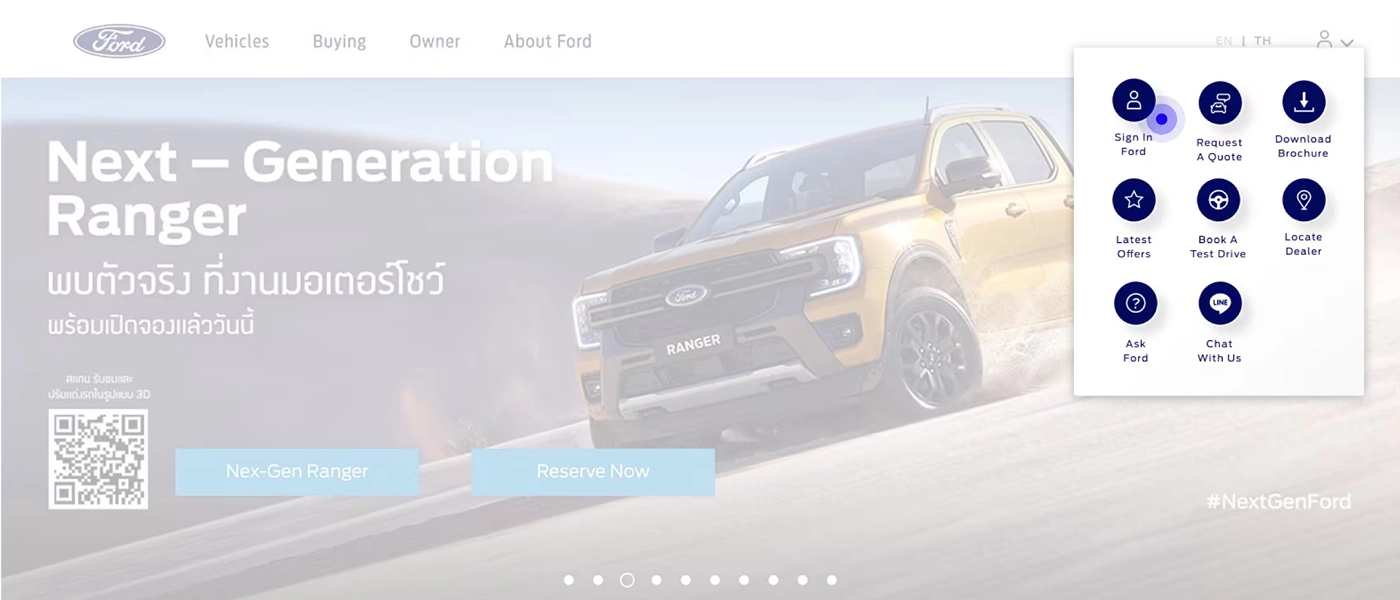
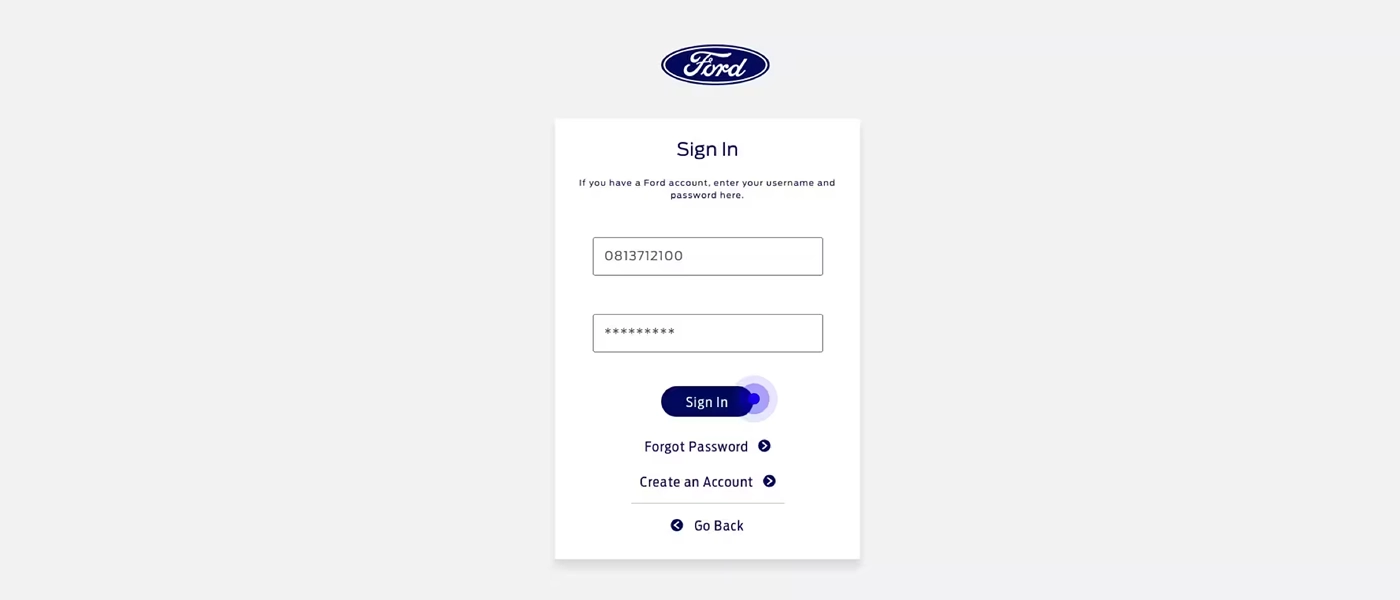
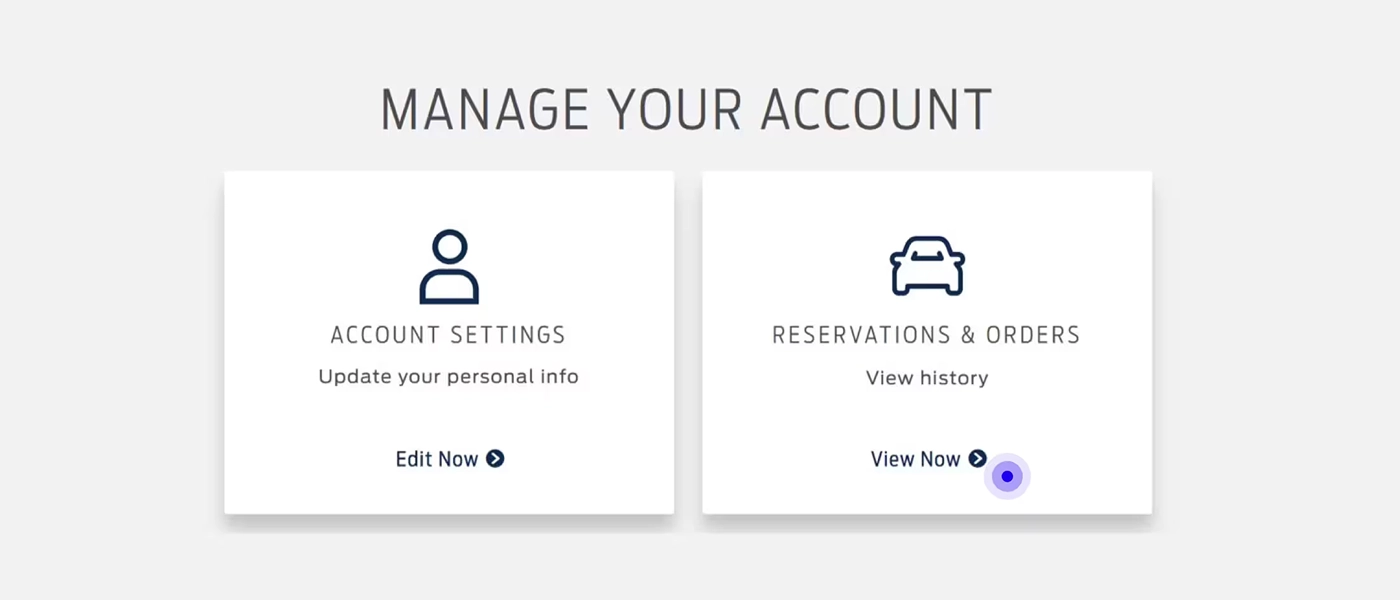
You can see your reservation by logging in to your Ford Member account https://www.ford.co.th/en/myaccount/ and selecting the Reservation and Orders.
When should I contact my dealer after I make an online reservation?
You can contact your dealer any time after you make your reservation and share your Reservation ID for reference to start the conversation. Your chosen Ford Dealer will also contact you to guide you through the purchasing process.
Can I change my dealer after online reservation?
You can cancel the reservation online and can reserve your Ford vehicle with another dealer.
Where can I view the payment details for my reservation?
For online reservation, you can log in https://www.ford.co.th/en/myaccount/ and view the deposit payment confirmation. You can also check the confirmation e-mail received from Ford.